
Creating a wiki page
First make a blank wiki page
- Your report is going to be in the form of a wiki
- It is easiest to create your wiki page now and to populate it with information as you go, treat it like a workbook
- Near the end of the lab you can put all the formatting in place so that the information is nicely presented, don't try to hard to make it "pretty" right now as you work through the lab, you may waste a great deal of time this way. BUT do spend some time at the end making it easy to read, tidy and and example of good science communication.
- read the following FIRST then follow the link given below
- the link will take you here
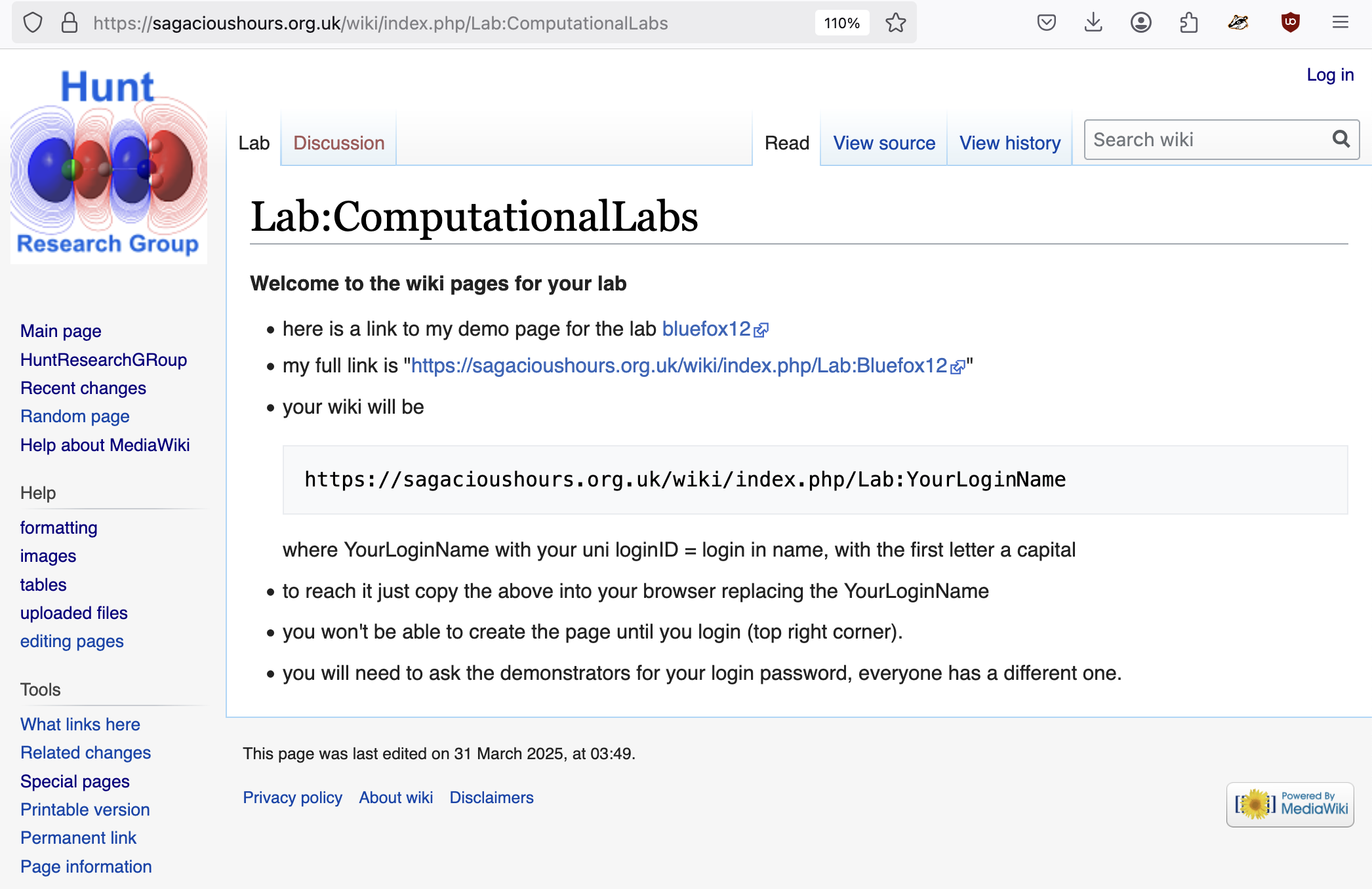
- You will copy and paste your wiki address into the html bar https://sagacioushours.org.uk/wiki/index.php/YourLoginName where YourLoginName is your login name.
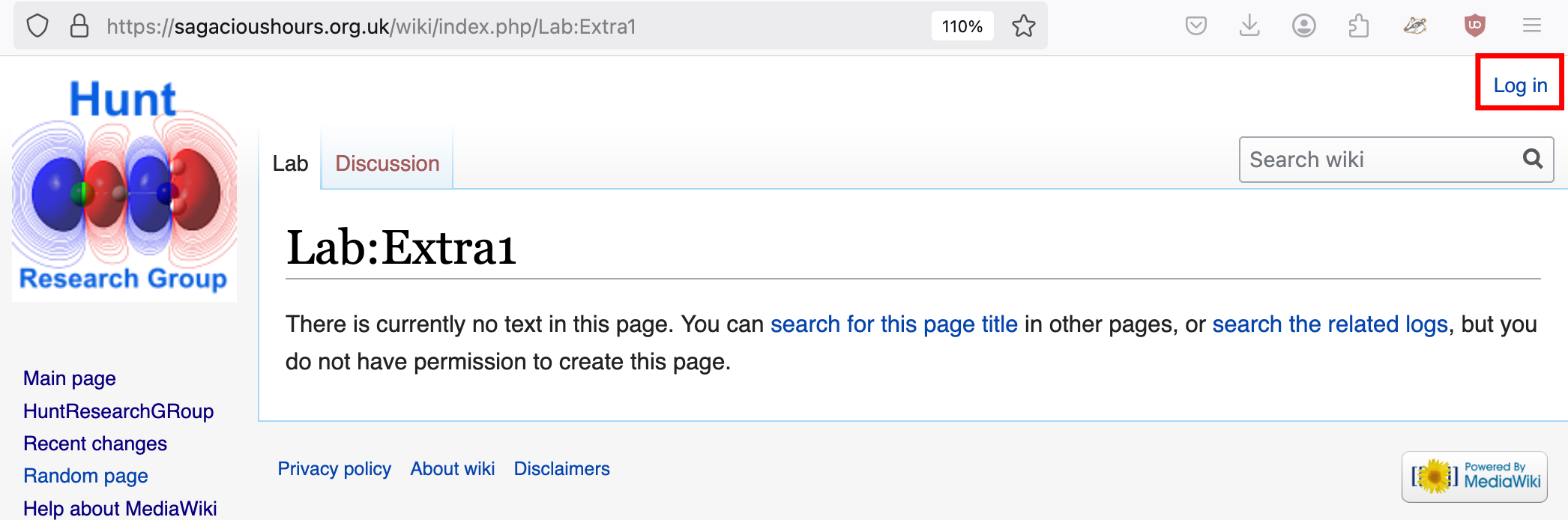
- below is what you will see (with your login rather then "Extra1"), notice how it says you don't have permission to create the page. You will need to log in! So you will click on the log in link highlighted by the red box
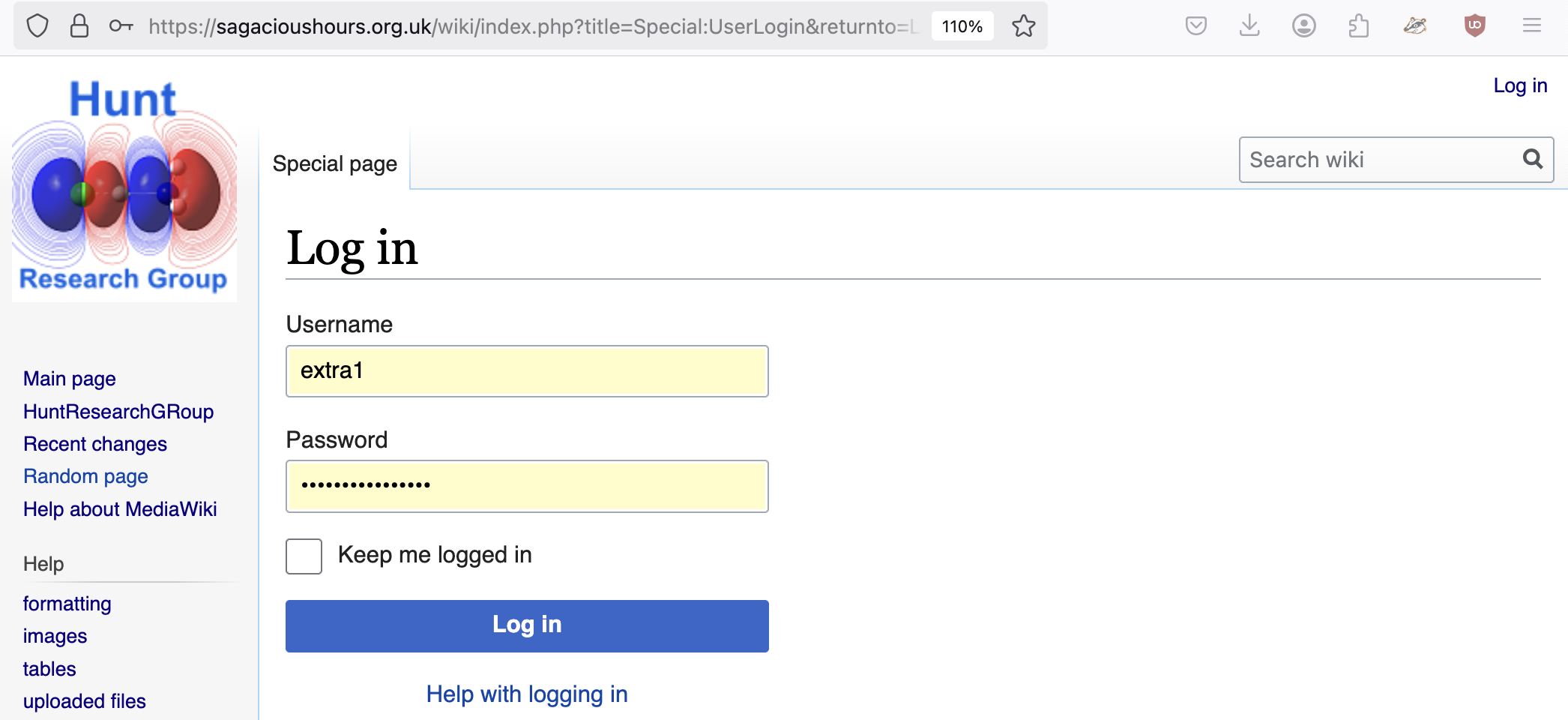
- this will take you to the wiki log in page, give YourLoginName and then your password (provided to you by the demonstrator) then click on the blue log in button
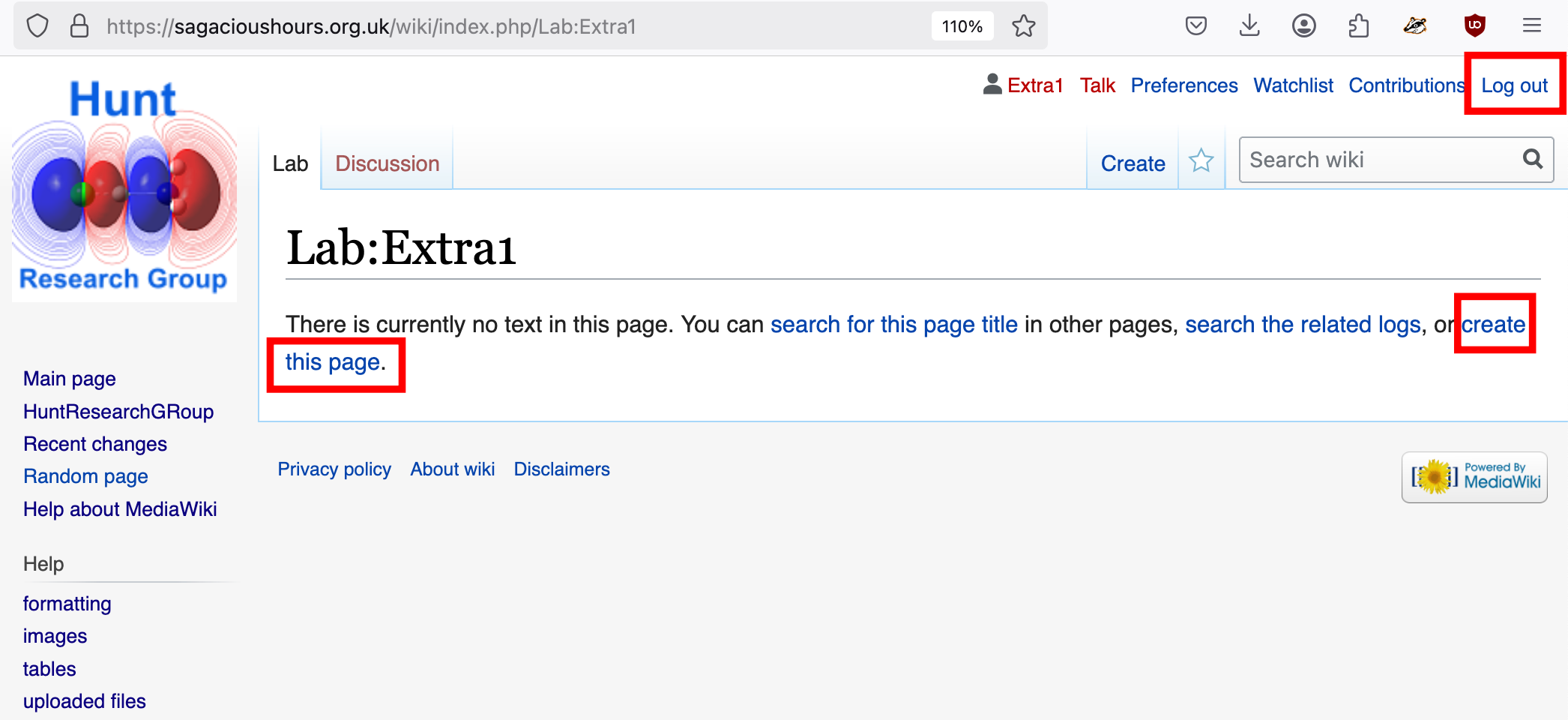
- this will send you back and now you will have permission to create YOUR wiki page
- To get started click on this link to the compchem wiki: Computational Labs wiki
- I suggest you have 2 windows open, one with my instructions and one with your wiki page
Populate your wiki page
- Click on "Edit this page" and put in a few headings, for example: "== NH3 molecule ==", and "== Project molecule ==". The two "=" signs indicate that the content is to be a title. To generate a subscript we need to add a little bit of html script the <sub> and </sub> tags around the subscript text.
Here is what my "source" looks like:
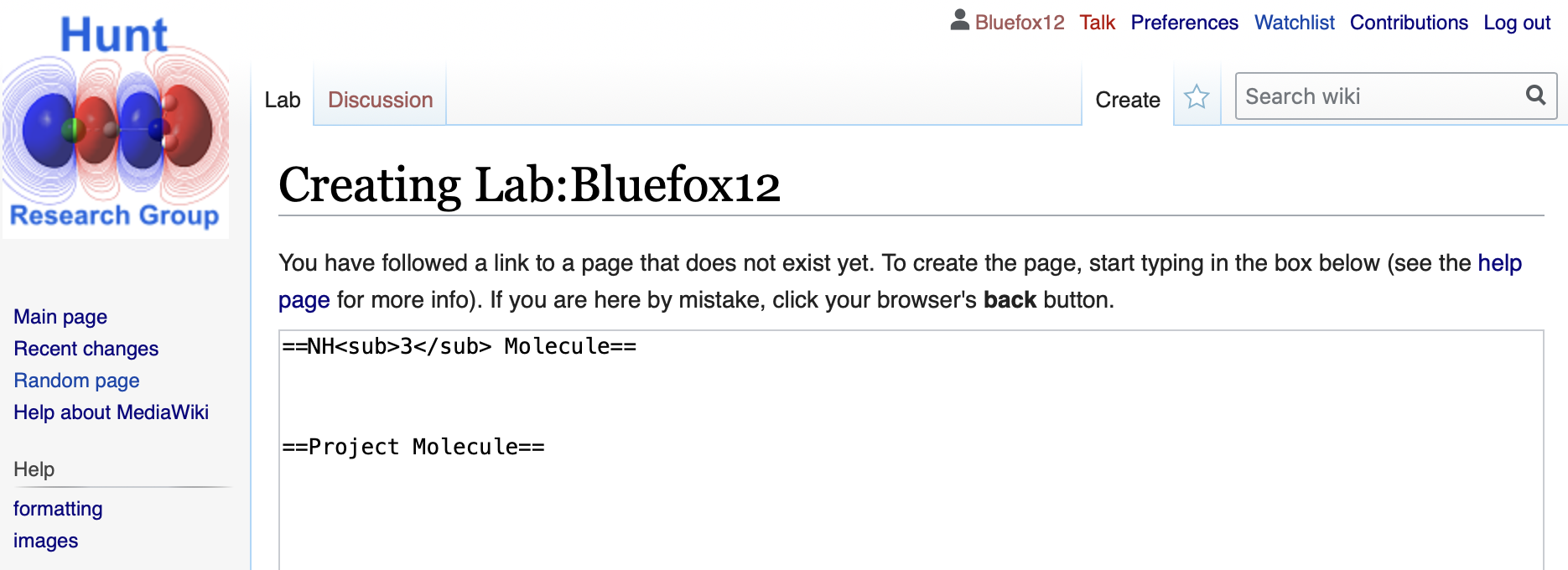
and here is what my wiki-page looked like when I saved it:
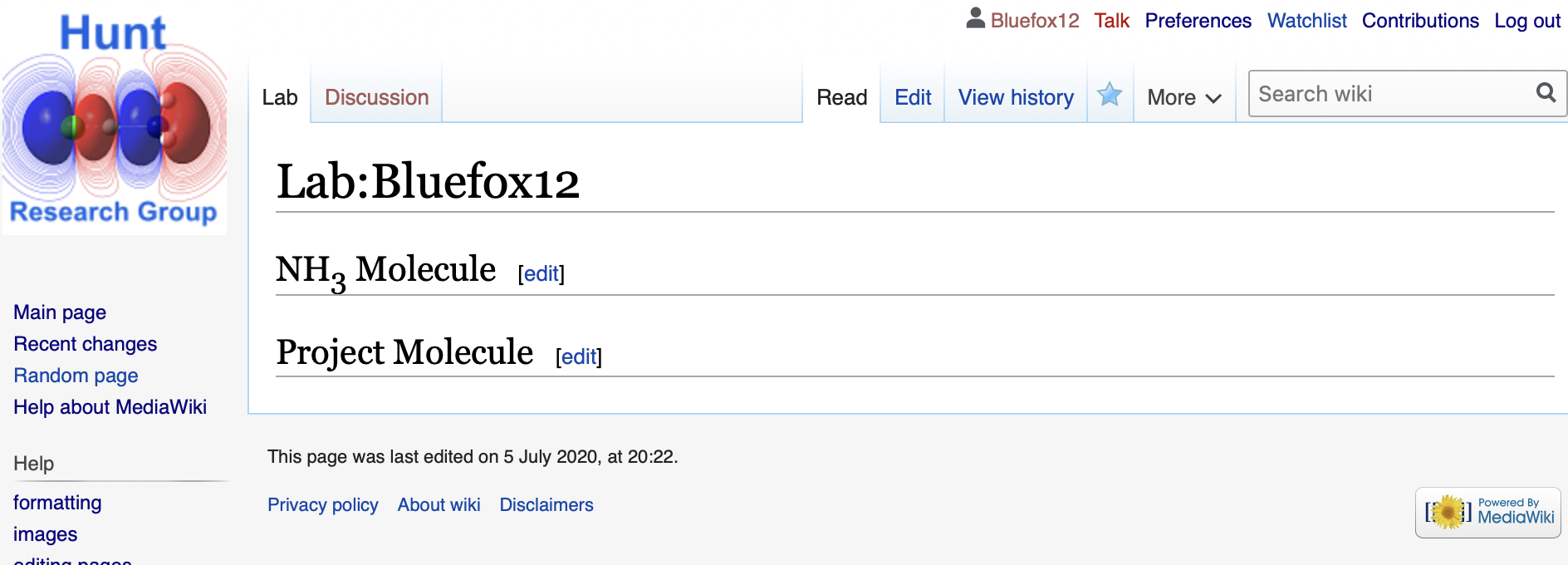
- now start to add some of the data related to your NH3 molecule as identified in the previous sections, for example:
- name of submitted log file
- molecule
- method
- basis set
- final energy
- RMS gradient
- point group
- the item table
- key bond distances and angles
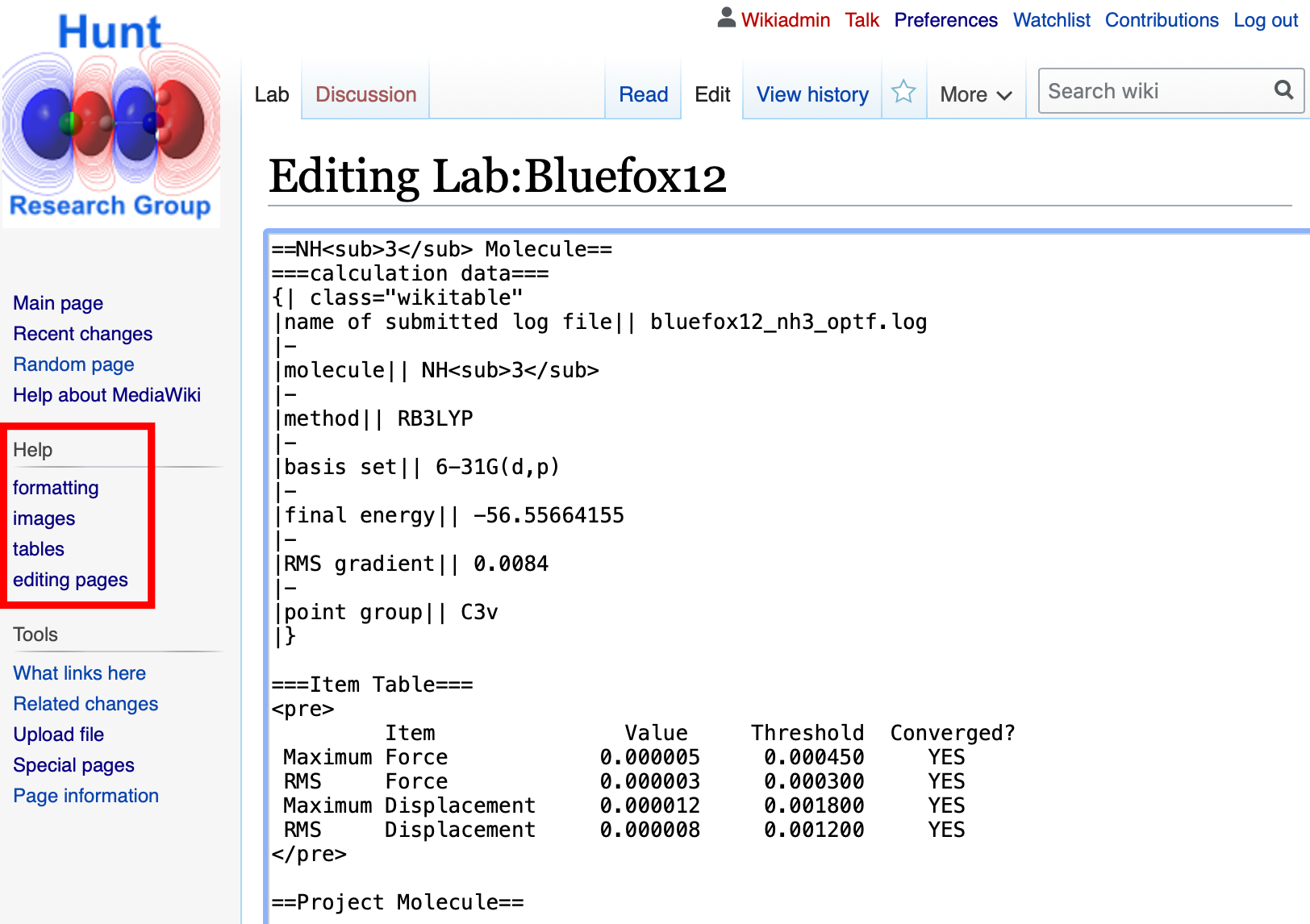
- I have made a lower level heading with 3 sets of equals signs "===heading===", to learn more about formatting use the Help menu on the left of the wiki page (outlined in red in the image below).
- I have also chosen to add the first items in a table, to learn how to build tables take a look at the Help menu as well, or you could copy what I have made and substitute your own values
- when you add the Item table you should simply copy and paste part of your output *.log file into your wiki. Surround this section by the "<pre>" and "</pre>" tags to ensure the formating is kept.
here is my wiki still in the "editing" phase:
- here is what the wiki page looked like when I saved it:
notice how an index of my various headings has appeared at the top of the page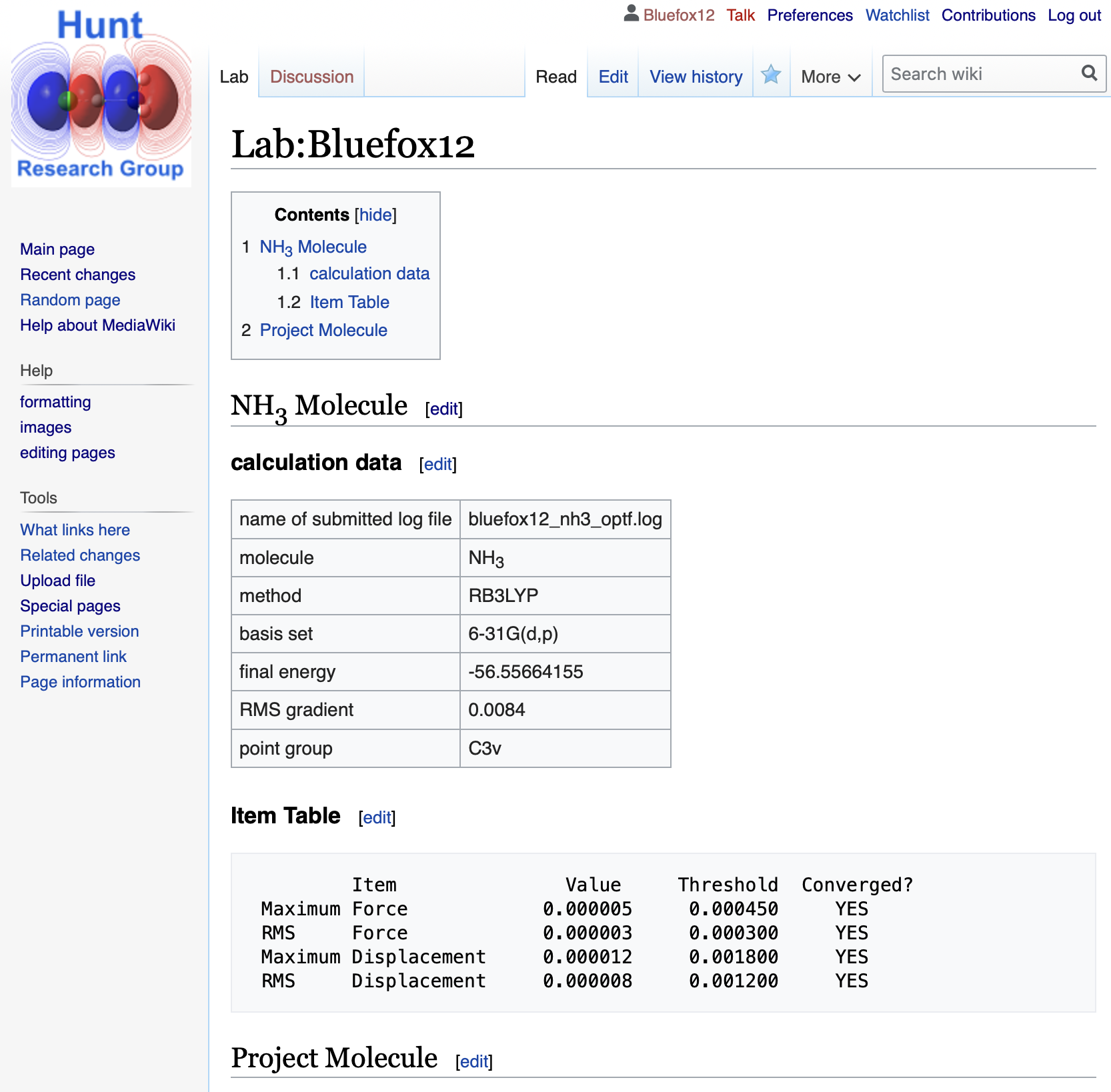
- Each gaussian file is given a unique identifier and we use these to check for plagiarism. You will submit your logfile on the wiki Failure to include a valid log file will result in marks being deducted for each missing file.
- each job will have slightly different energy and convergence, these differences are very very small and are due to an accumulation or random number generators and rounding errors in the calculations. They also mean the numbers you report will not exactly match mine.
- don't forget to save and preview your page regularly!
Next we will animate the optimisation
- When you are ready move onto the next step